Glossary
Last updatedJuly 15, 2021
This plugin lets you create a glossary to help end users learn about special terms in your API or product
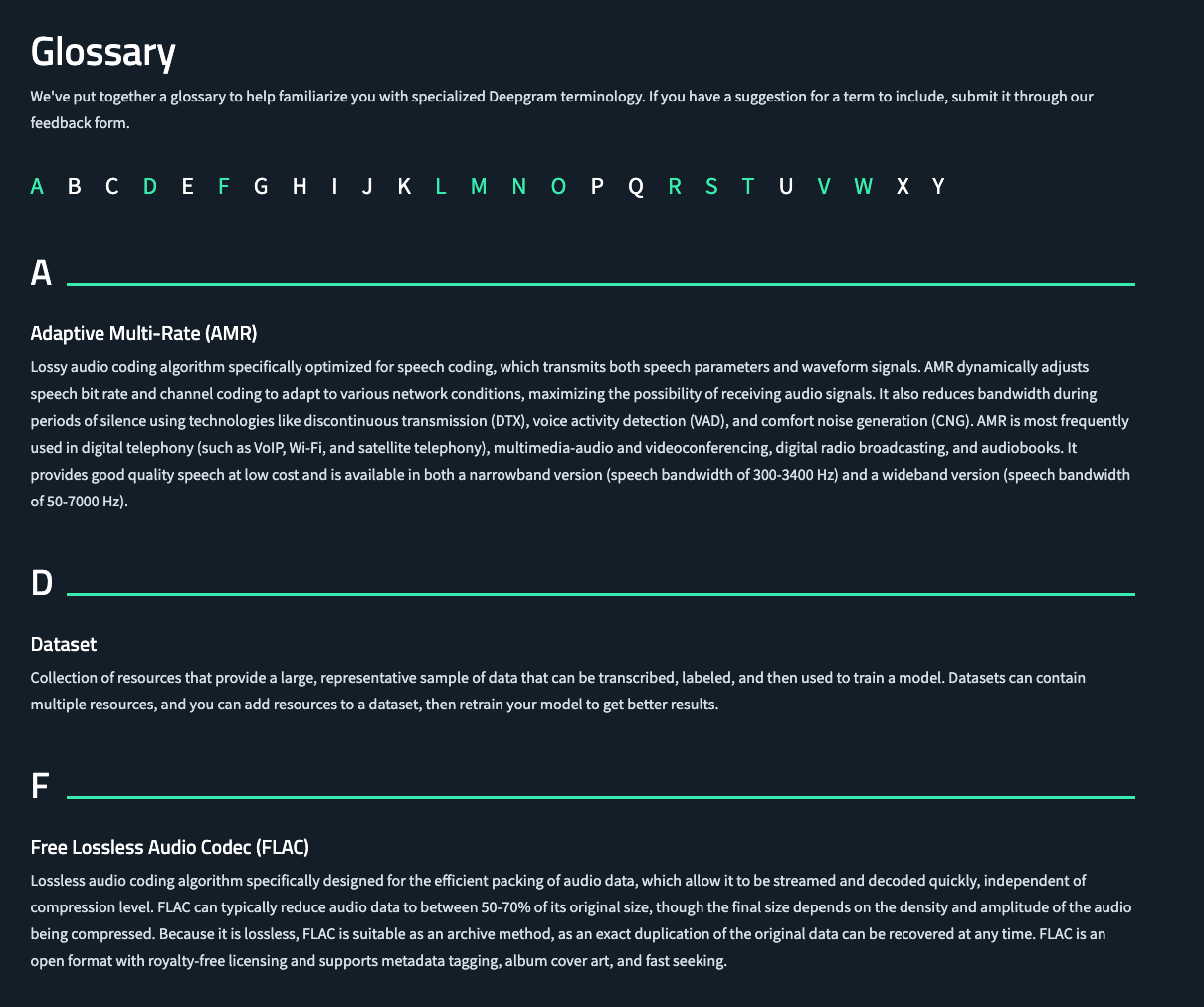
The plugin also provides a React component to display the definition of term as popover This helps readers learn about the new term without leaving the page that they are on

Install
Install glossary plugin
yarn add @hoss/plugin-content-glossary
Then, add it in your site's hoss.config.js
module.exports = {
  // ...
  plugins: ['@hoss/plugin-content-glossary'],
};
Finally, add your term Markdown files to ROOT/glossary/.
website # root directory of your site
├── glossary
│   └── myterm.md
├── src
│   └── pages
The glossary will be available at http://localhost:3000/glossary
Markdown format
Glossary Markdown documents can use the following Markdown FrontMatter metadata fields, enclosed by a line --- on either side:
title: The termdocLink: Link to a doc page for this term
The body of the markdown file is the definition of the term
Components
To display the term definition as a popover. use the following component
<Glossary term={title}>Term</Glossary>